








जनरेटर
इतिहास
एआई फ्लोर प्लान जनरेटर
परिवर्तन उपकरण
मॉडल
बेस
स्विच
Rooms
बेडरूम
-
2
+
बाथरूम
-
1
+
Kitchen
खुला
बंद
कुल क्षेत्रफल
यूनिट Metric
 साम्राज्यिक
Metric साम्राज्यिकक्षेत्र
< 50㎡
50-80㎡
80-100㎡
100-120㎡
120-150㎡
> 150㎡
अतिरिक्त सुविधाएं
वॉक-इन क्लोजेट
लॉन्ड्री रूम
स्टोरेज रूम
यूटिलिटी रूम
होम ऑफिस
गैराज
पेंट्री
संयुक्त रहने-खाने का क्षेत्र
बालकनी

Unlock Your Dream My House Design with Ideal House AI Floor Plan Generator
Imagine effortlessly bringing your vision to life. Ideal House's AI Floor Plan Generator transforms your ideas into tangible 2D floor plans in mere seconds. Whether you're planning a new build, a renovation, or simply exploring creative home design ideas, our intuitive tool empowers you to visualize and refine your ideal living space. Get precise, share-ready layouts for your unique my house design needs, faster than ever before.
Generate My Floor Plan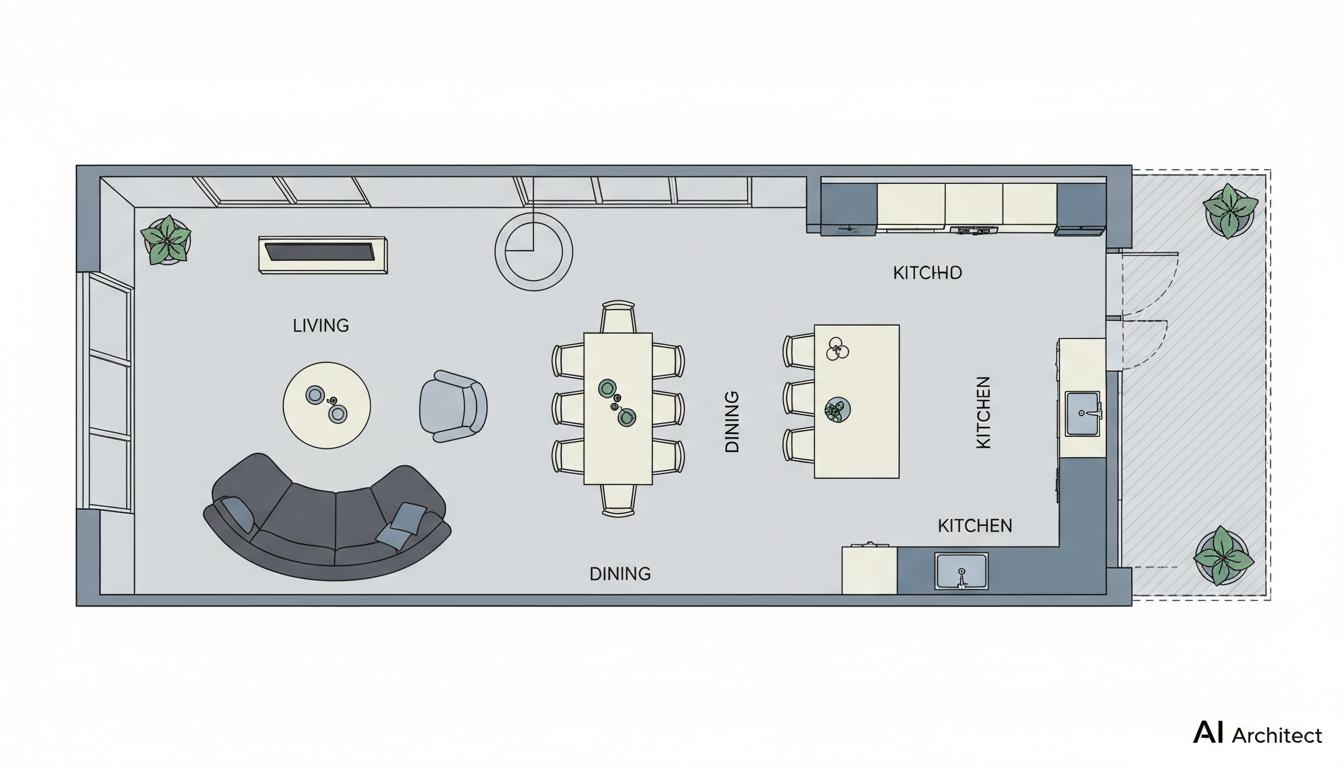


Revolutionize Your My House Design Process
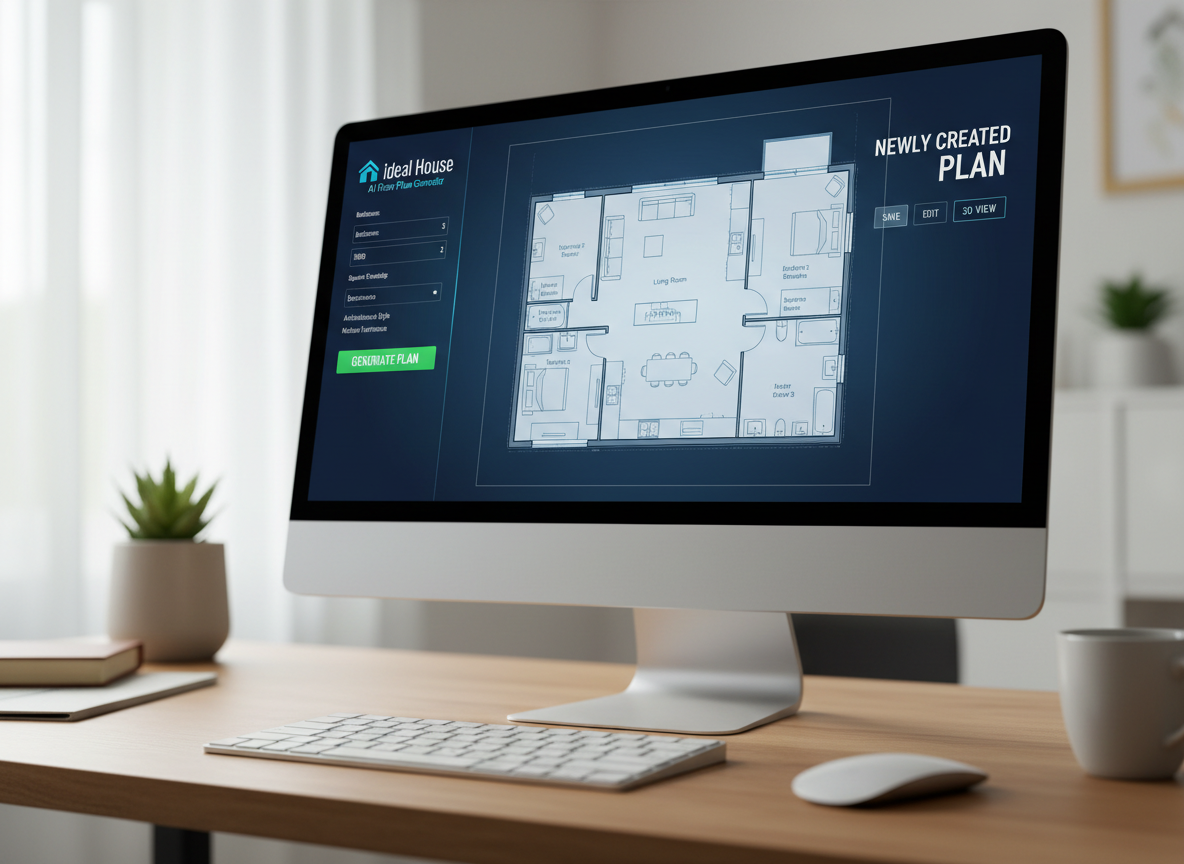
Instant 2D Floor Plan Generation
Stop sketching and start generating. Our AI floor plan maker rapidly produces clean, accurate 2D home plans based on your input. Simply define your needs, and watch as complex residential floor plans materialize before your eyes. It’s the ultimate house plan generator for speed and efficiency.
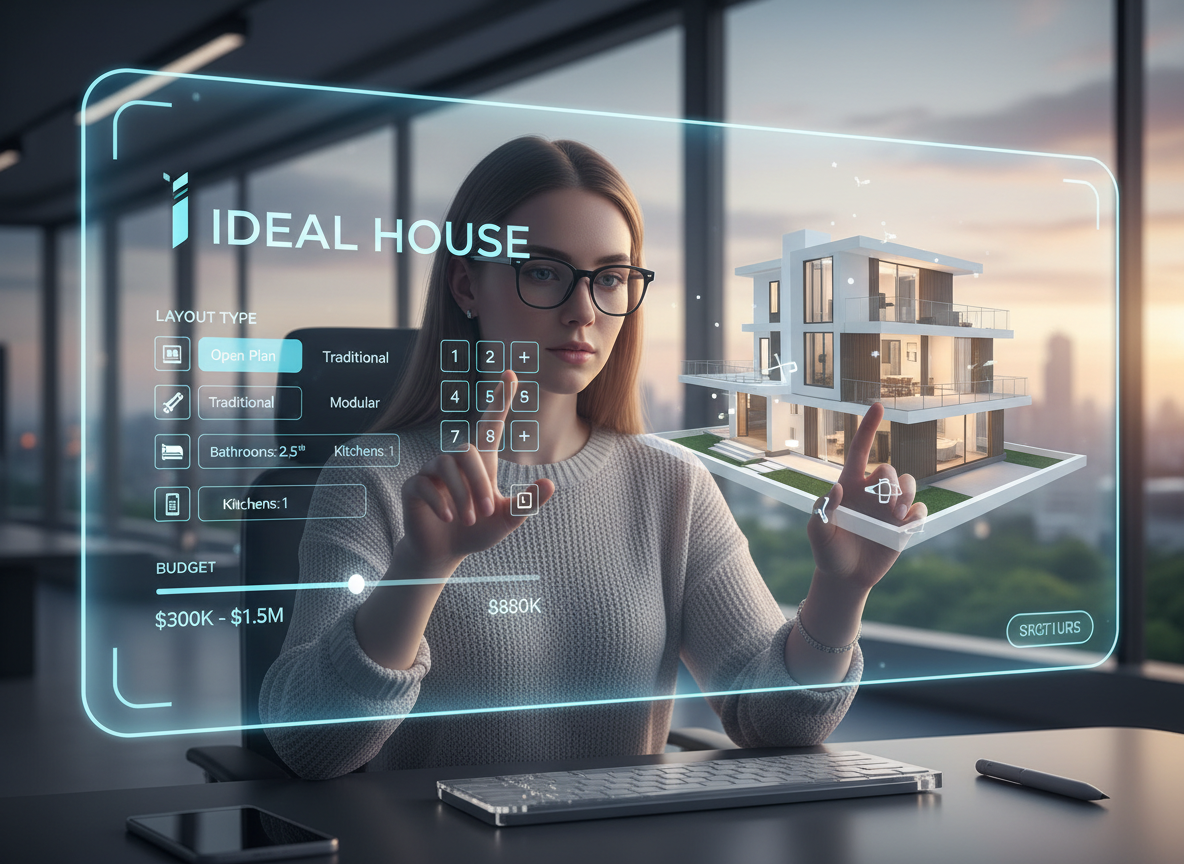
Customized Layouts for My House Design
Tailor your space down to the smallest detail. Our parameter-driven planning lets you specify bedrooms, bathrooms, kitchen style (open/closed), and gross area. Add custom extras like a walk-in closet or home office to create a truly personalized room layout planner experience. Achieve your perfect custom home design without the hassle.
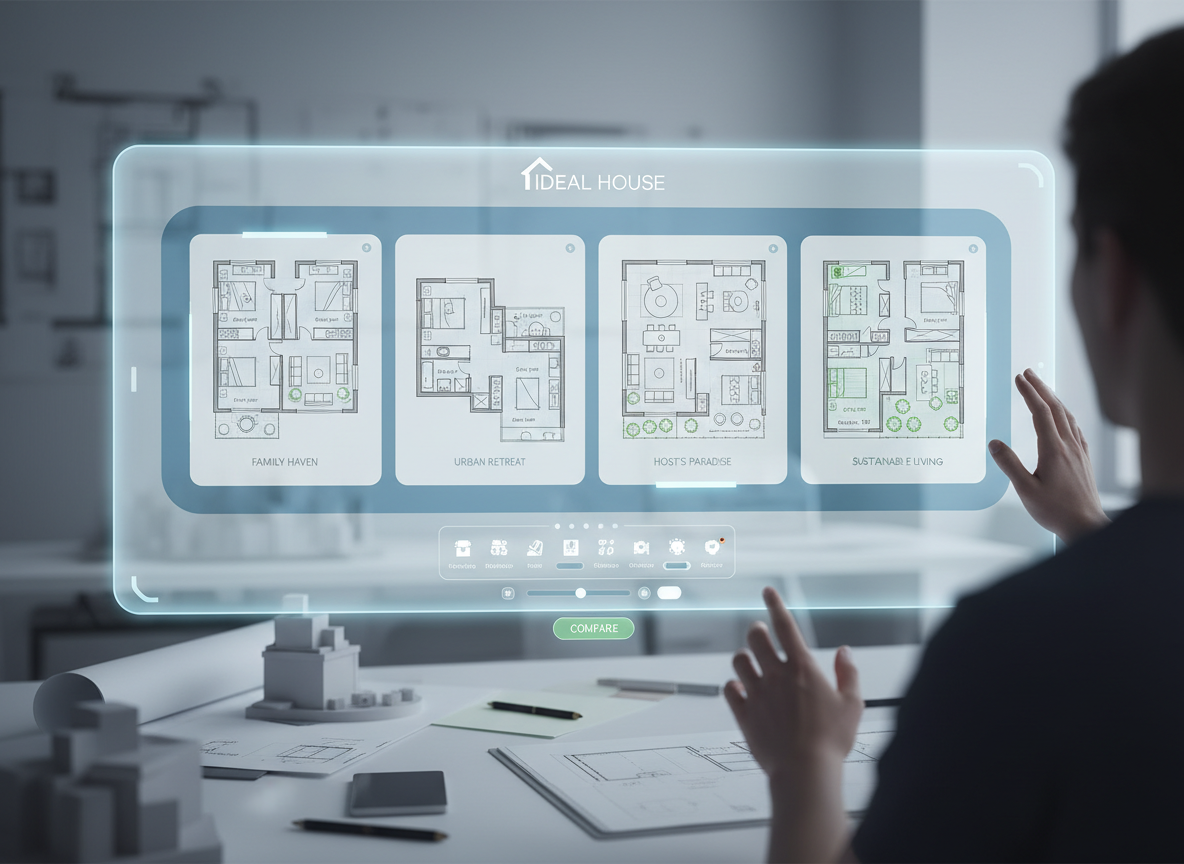
Iterate & Refine with Ease
Experiment with different home design ideas effortlessly. Every generated plan is saved in your history, allowing you to compare versions, tweak parameters, and regenerate until you find the ideal architectural floor plans. This free floor plan creator makes iterating on your vision simple and fast.
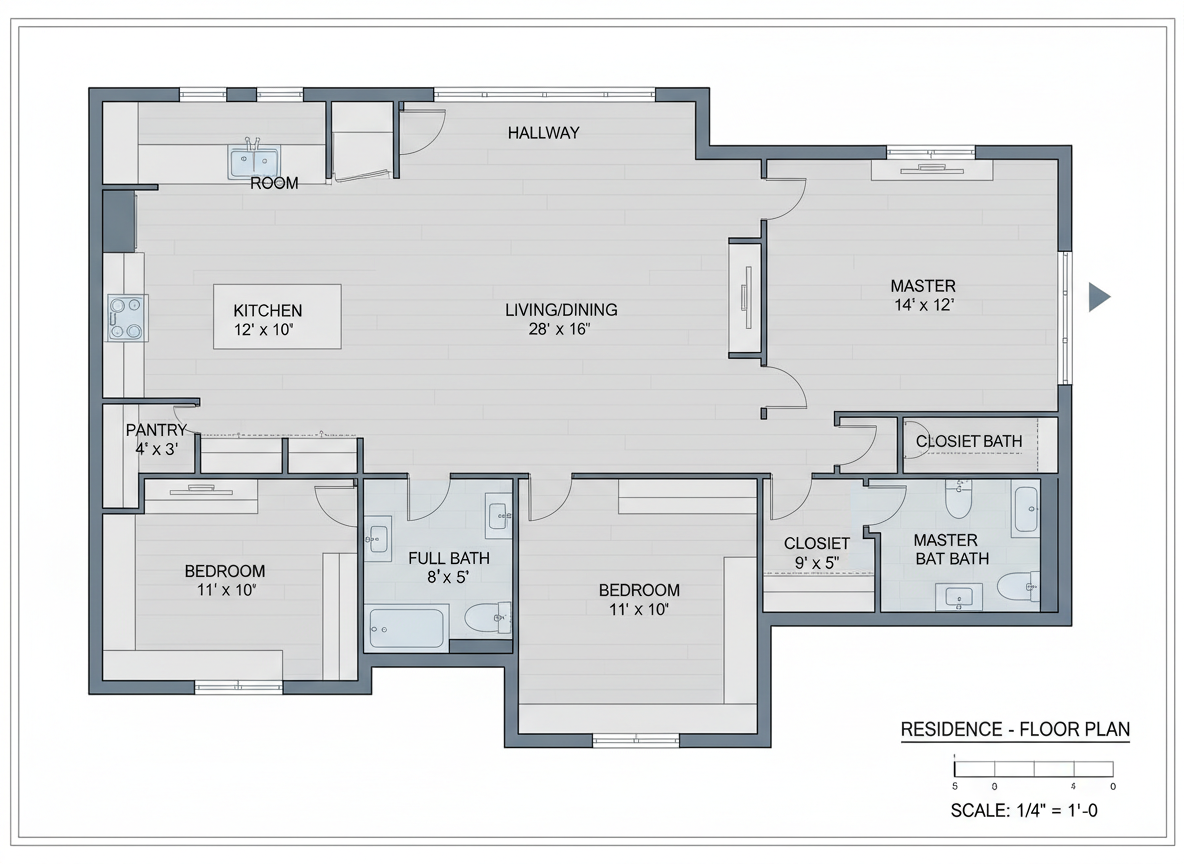
Professional-Quality Output
Receive presentation-ready 2D floor plans perfect for listings, client presentations, or personal projects. Our building plan maker ensures your outputs are clear, consistent, and easy to understand, making Ideal House the go-to floor plan software for professionals and homeowners alike. Elevate your my house design proposals.

Who Benefits from the Ideal House AI Floor Plan Generator?

Homeowners & DIY Enthusiasts: Easily explore home renovation plans and visualize your dream my house design without expert software.

Interior Designers & Decorators: Quickly generate apartment floor plan concepts for clients and iterate design ideas in real-time.

Real Estate Agents & Developers: Create simple, consistent 2D real estate floor plans for listings, attracting more buyers.

Crafting Your My House Design in 6 Simple Steps
1
Set Rooms: Define the number of bedrooms (0-4) and bathrooms (1-3) to begin shaping your residential floor plans.
2
Choose Kitchen Style: Select your preferred kitchen layout – open for flow or closed for defined spaces, impacting your my house design significantly.
3
Pick Gross Area: Guide the overall scale by selecting a gross area range that aligns with your desired small house plans or larger layouts.
4
Add Extras: Personalize your space by multi-selecting features like a walk-in closet, home office, or combined living-dining.
5
Generate & Review: Click 'Generate' to instantly create your 2D home plans, then review and refine in your Generation History. This is where your my house design comes to life.
6
Download & Share: Export your chosen plan as an image or PDF, ready to share with stakeholders or for your personal project.
Frequently Asked Questions About AI Floor Plan Generation
How does the AI Floor Plan Generator create my house design from my selections?
The AI floor plan generator interprets your inputs – bedrooms, bathrooms, kitchen type, gross area, and extras – then applies sophisticated algorithms based on common architectural principles to draft clear 2D floor plans. It's an intelligent building plan maker that translates your vision into a practical layout.
What customization options are available for my house design?
You can choose 0-4 bedrooms, 1-3 bathrooms, open or closed kitchen, and select from various gross area bands. Additionally, 'extras' like a walk-in closet, laundry room, home office, garage, pantry, combined living-dining, or balcony allow for highly detailed custom home design.
How does 'Gross Area' affect my floor plan and overall my house design?
'Gross Area' acts as a critical guide for the AI, influencing the overall scale and proportion of rooms and corridors. Selecting the closest band ensures a realistic and functional layout that aligns with your desired home size, whether for small house plans or spacious modern house plans.
What's the difference between an 'Open' and 'Closed' kitchen in my house design?
An 'Open' kitchen promotes a continuous sightline and smoother flow between living and dining areas, ideal for modern living. A 'Closed' kitchen provides a distinct, separate cooking zone, offering privacy and containing culinary activities. Both options significantly impact the feel of your home design ideas.
How do 'Extras' influence the generated floor plan for my house design?
Extras like a walk-in closet or home office tell the AI floor plan maker to prioritize and strategically place these spaces within the layout. For instance, a pantry will be logically placed near the kitchen, and a home office in a quieter corner, ensuring a functional room layout planner result.
Enhance Your My House Design with Related Ideal House Tools
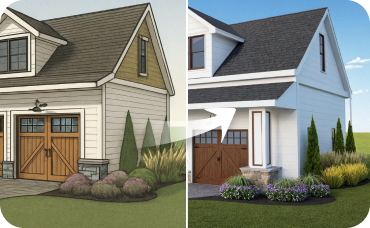
AI 3D Rendering
Create a high-resolution, multi-angle 3D model of your completely redesigned, timeless American traditional room.

Photo Enhancer
Automatically improve the lighting and clarity of your source photos for even better remodel results.
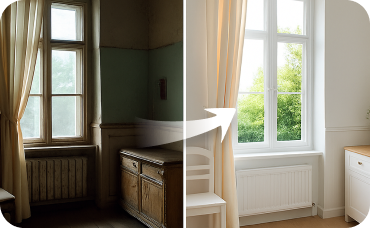
Interior Remodel
Virtually change flooring, wall colors, and even remove old fixtures before staging.
Ready to Design Your Dream Home?
Experience the fastest way to create a precise my house design. Generate, refine, and visualize with Ideal House today.
Generate My Floor Plan
💰 Ideal House के एफिलिएट पार्टनर के रूप में 10% कमीशन प्राप्त करें।
हमसे जुड़ें